

Logo for dark backgrounds
White PLAYER, lime VOX. Transparent background.
Writing about PlayerVox OverCrow, making a video, or sharing it with your community? Start here: official visuals, ready-to-use descriptions, and the details that matter.
Download the media kitZIP · Logos, screenshots & product copy · EN + FRThe complete signature, with overcrow below PLAYERVOX. Vector SVG and transparent PNG files, ready for dark or light backgrounds.
White PLAYER, lime VOX. Transparent background.

Dark PLAYER, lime VOX. Transparent background.

Two views of the Control Center and two of the overlay demonstration. Both English and French images are included in the complete kit.
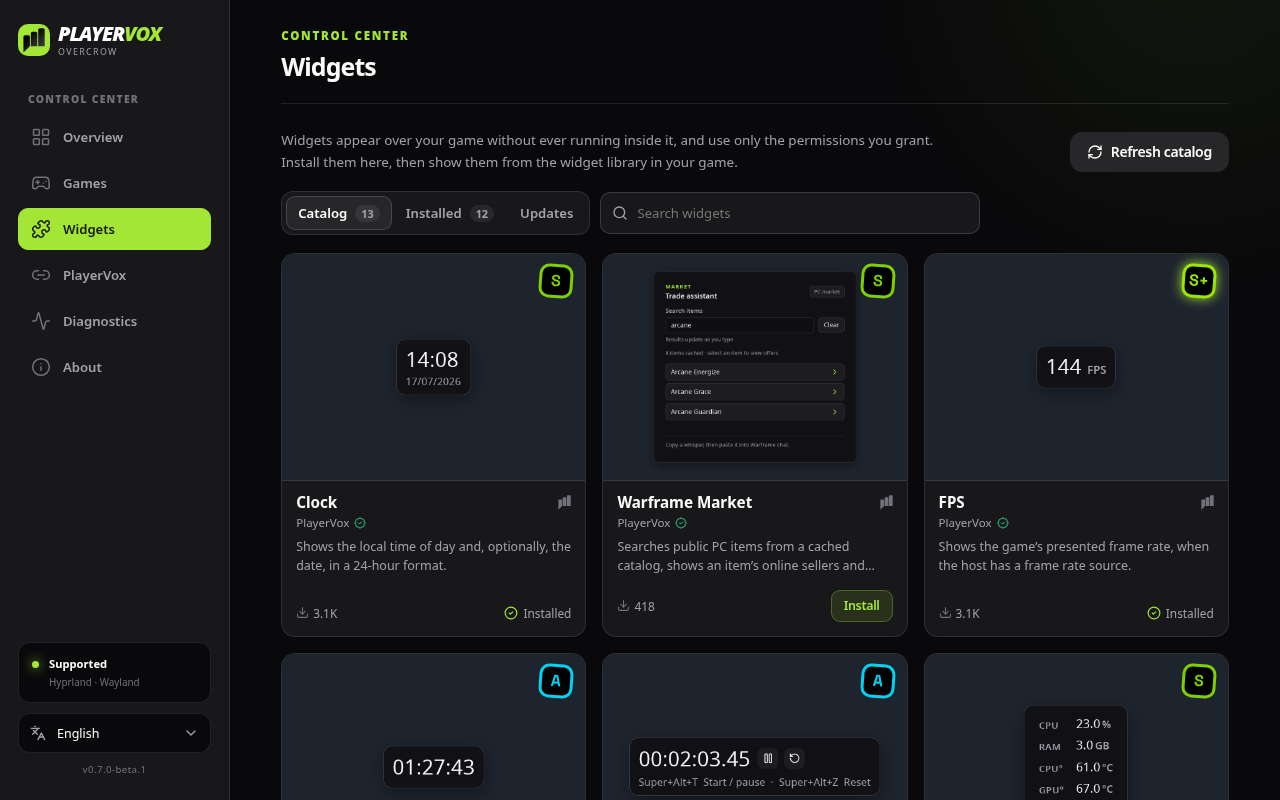
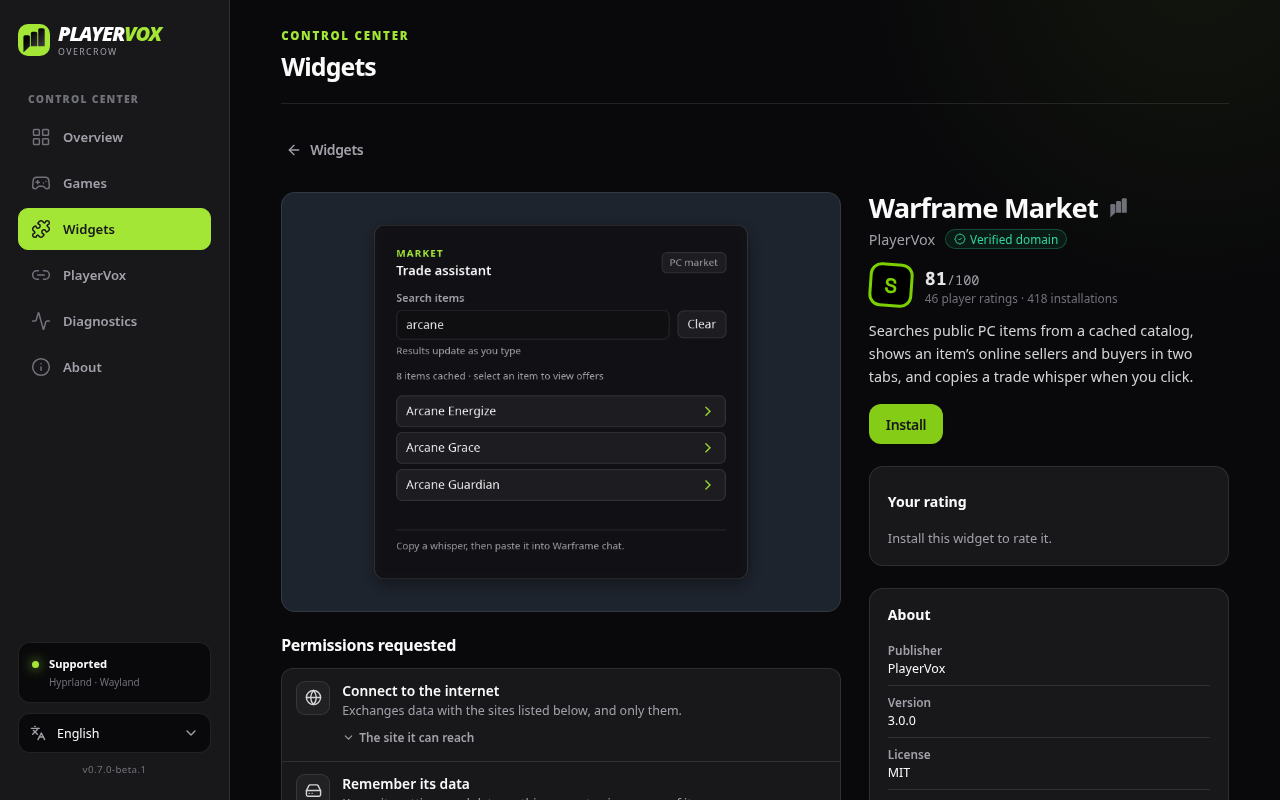
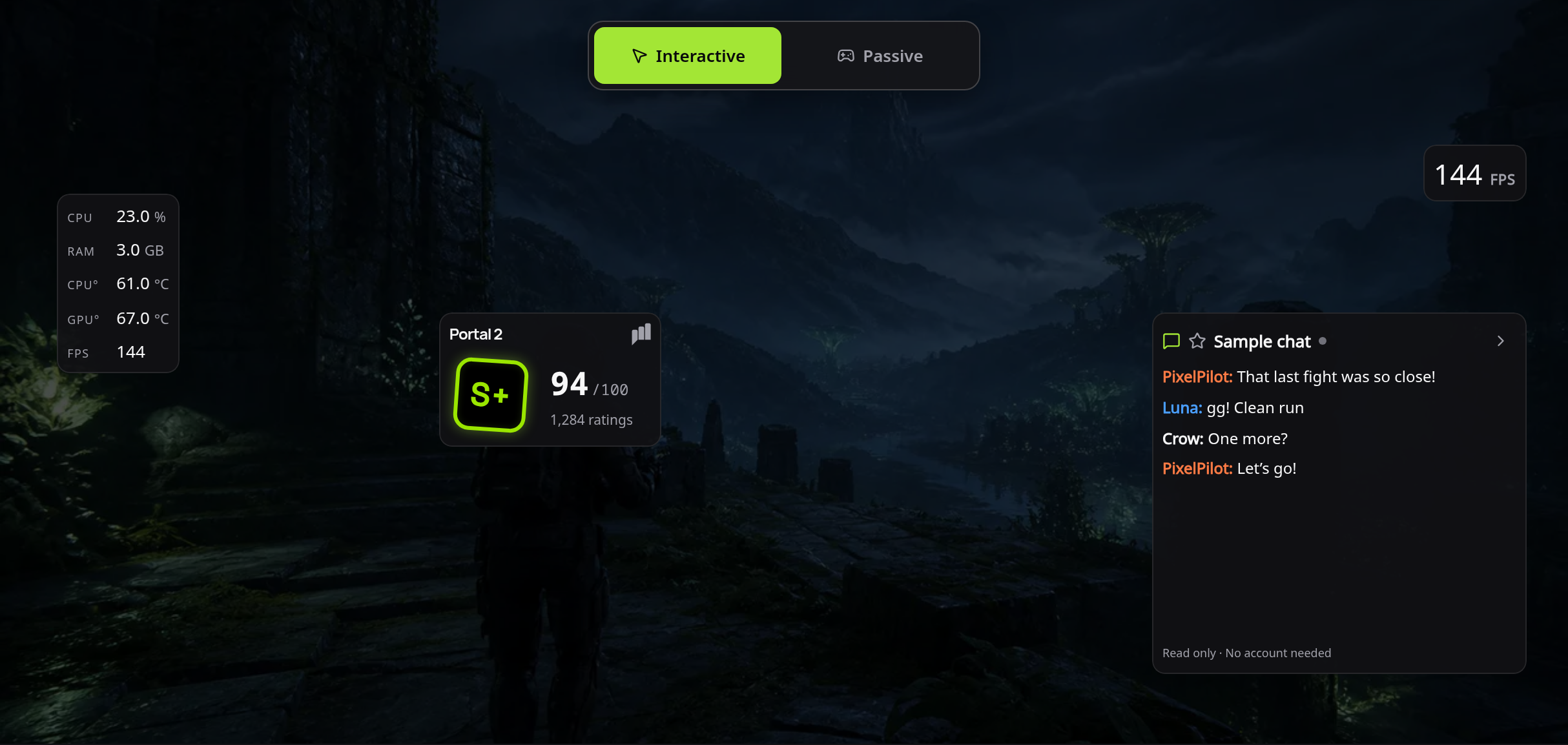
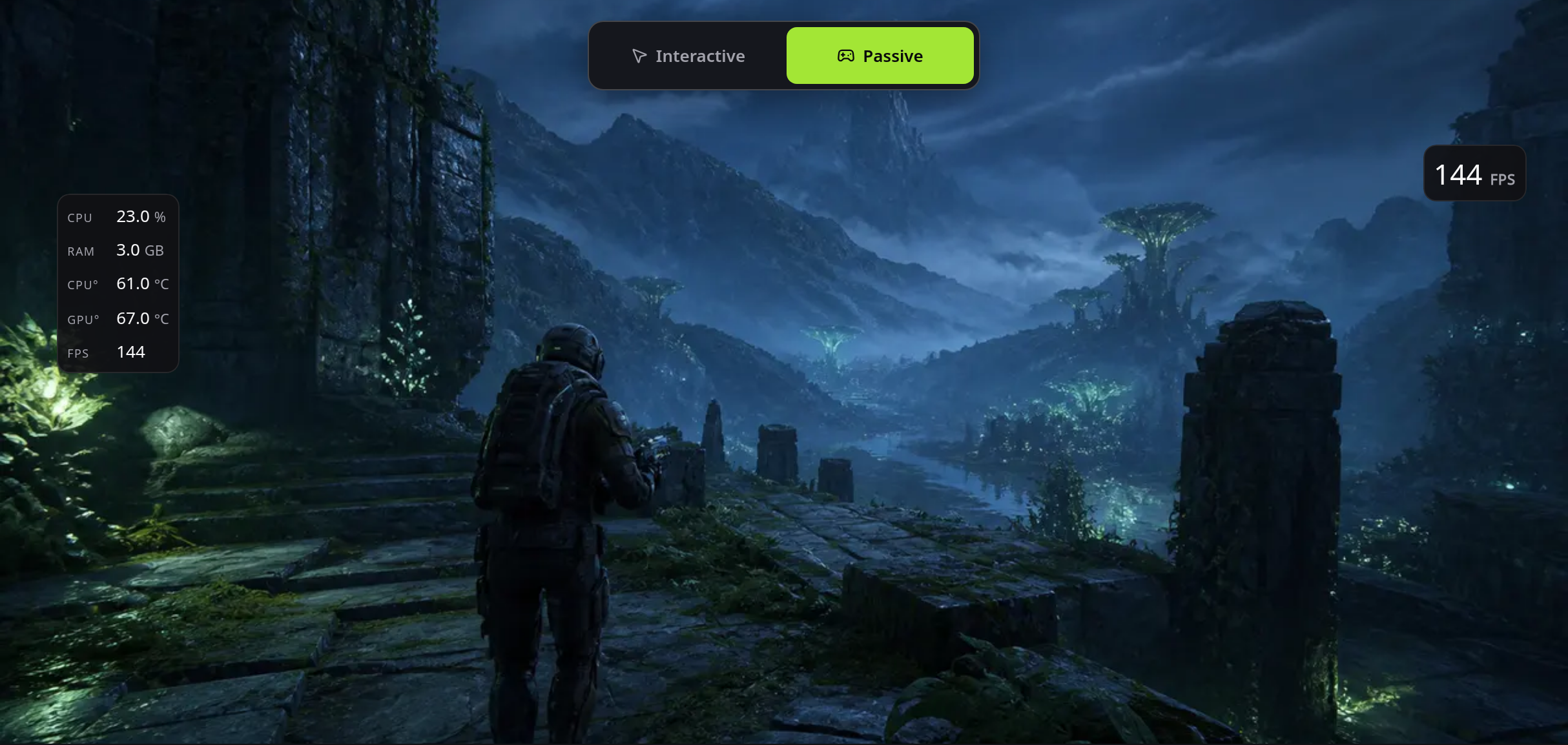
The Control Center shows sample widgets, from PlayerVox and from a fictional publisher. Overlay images come from the website demonstration, with simulated stats, ratings, and chat. They do not demonstrate compatibility with a particular game.
Use these descriptions as a starting point for your article, video, or post.
PlayerVox OverCrow is a customizable overlay for Windows and Linux. Build your in-game space with the widgets that are useful to you, shaped around your needs and the way you play.
PlayerVox OverCrow is a desktop application that lets you create a personal space on top of your games. Its Control Center lets you choose the games where the overlay appears and manage your widgets. Performance monitoring, chat, and handy tools are just a few examples: choose the widgets that suit you and make the overlay your own. In game, move and configure your widgets. Switch between interactive mode to use them and passive mode to keep selected elements visible while playing. Discover additional widgets in the marketplace, or explore the SDK to create your own. OverCrow is currently in beta for Windows and Linux; compatibility depends on the game and system configuration.
These assets are intended for articles, videos, and posts presenting PlayerVox OverCrow. For other uses or a specific format, get in touch.
For press questions, an interview, or an additional visual, contact us directly.



Ready to share
The current social card, combining the Control Center and overlay widgets.
Social card
1200 × 630 · Current website visuals · English