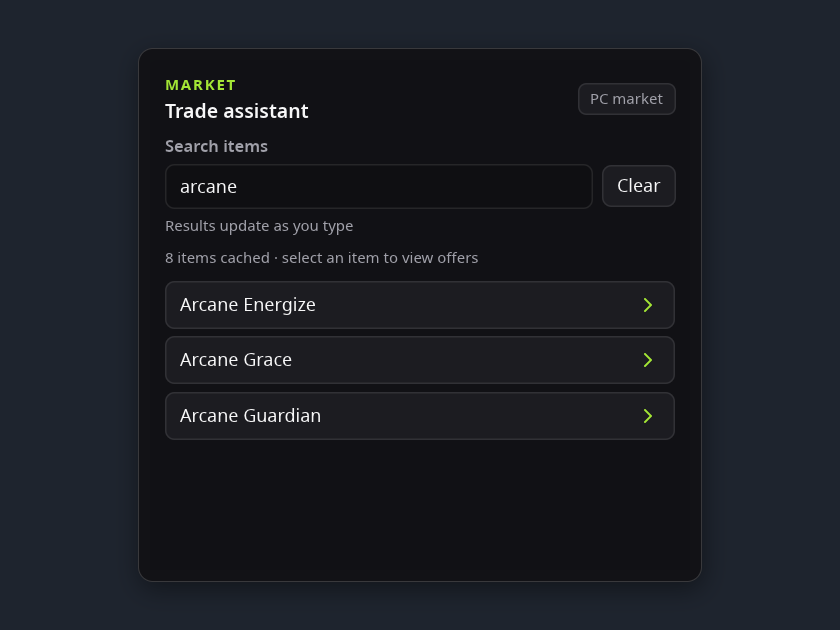
Widgets for the way you play.
Keep useful tools and information close while you play.
13 widgets
Built into PlayerVox OverCrow
Installed with the app, updated on their own.
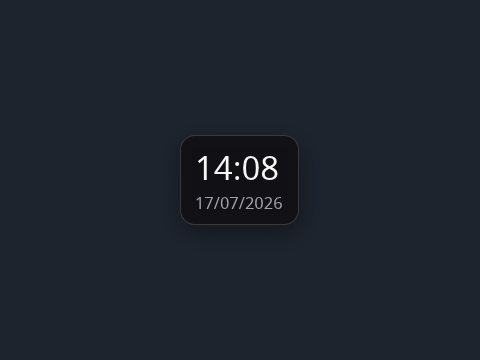
Clock
by PlayerVox
Shows the local time of day and, optionally, the date, in a 24-hour format.
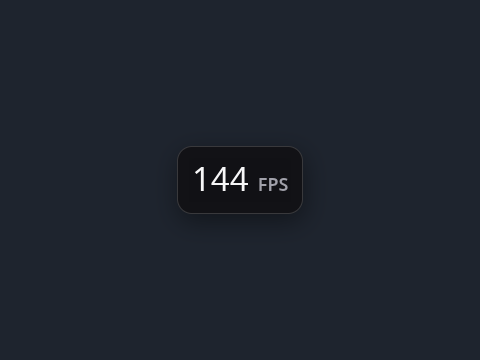
FPS
by PlayerVox
Shows the game’s presented frame rate, when the host has a frame rate source.
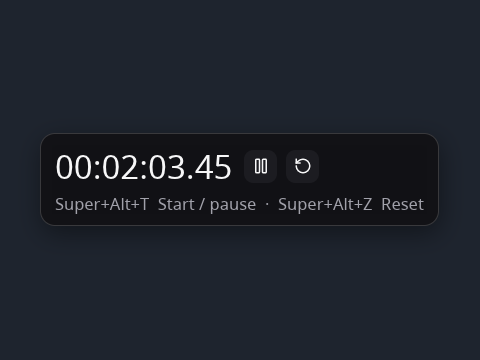
Manual stopwatch
by PlayerVox
A stopwatch to the hundredth of a second, started, paused and reset with its buttons or the host’s shortcuts.
Media
by PlayerVox
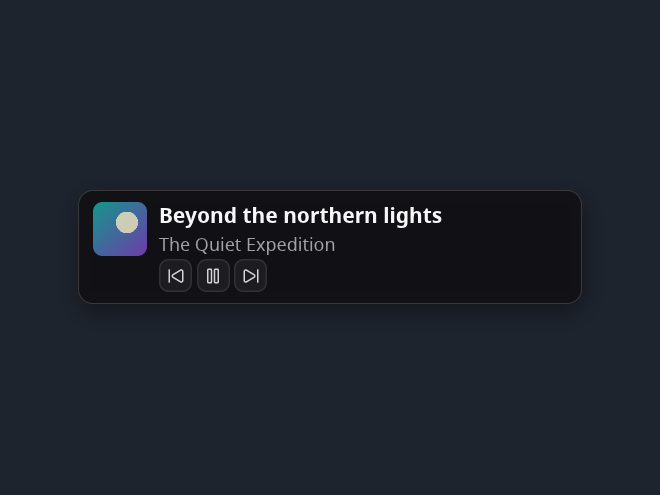
The track your music player is playing, with its cover, and previous, play/pause and next buttons in Interactive mode.
My rating
by PlayerVox
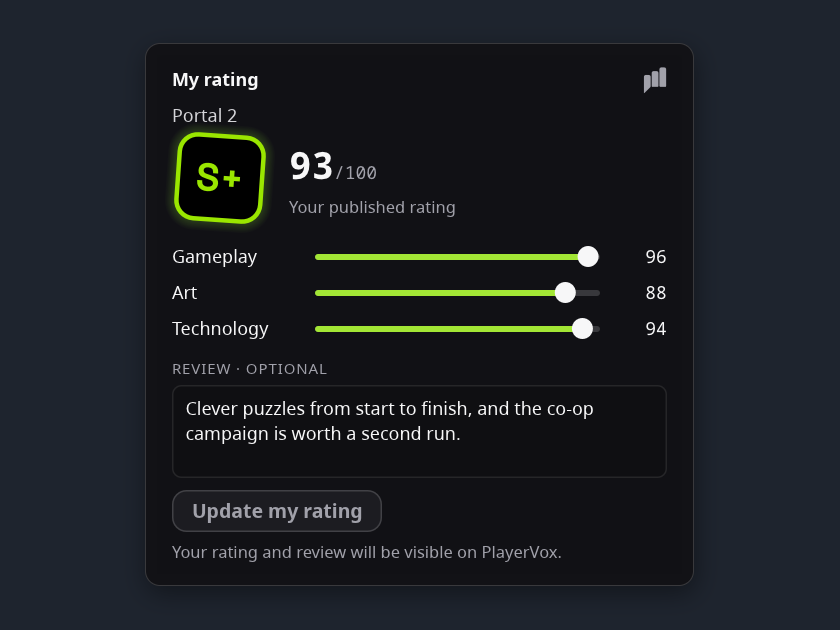
Your own PlayerVox rating of the Steam game you play: its grade and score, and in Interactive mode three criteria and an optional review to publish or update. Needs your PlayerVox account.
Notes
by PlayerVox
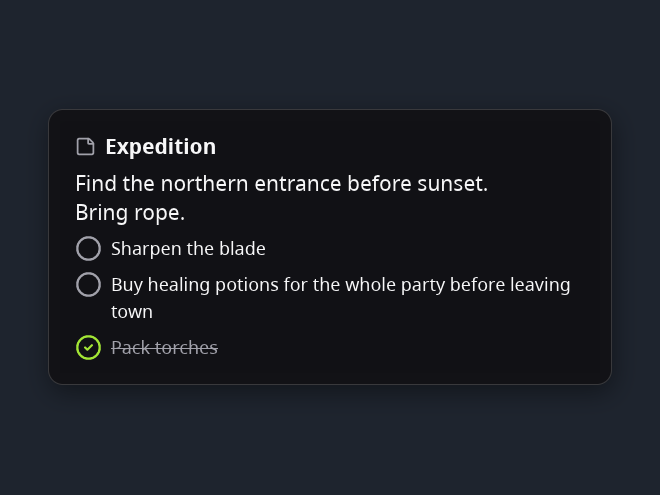
Your notes and checklists over the game: up to eight notes, each with free text and a checklist, the same for every game. Read them in Passive mode; in Interactive mode choose, create, delete and edit them in the widget, and tick entries off. They stay on this computer.
Performance
by PlayerVox
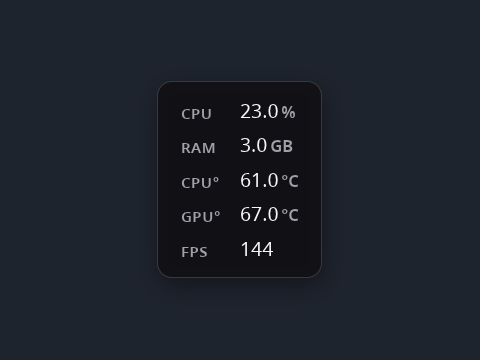
Game CPU and memory, plus the temperatures this computer exposes.
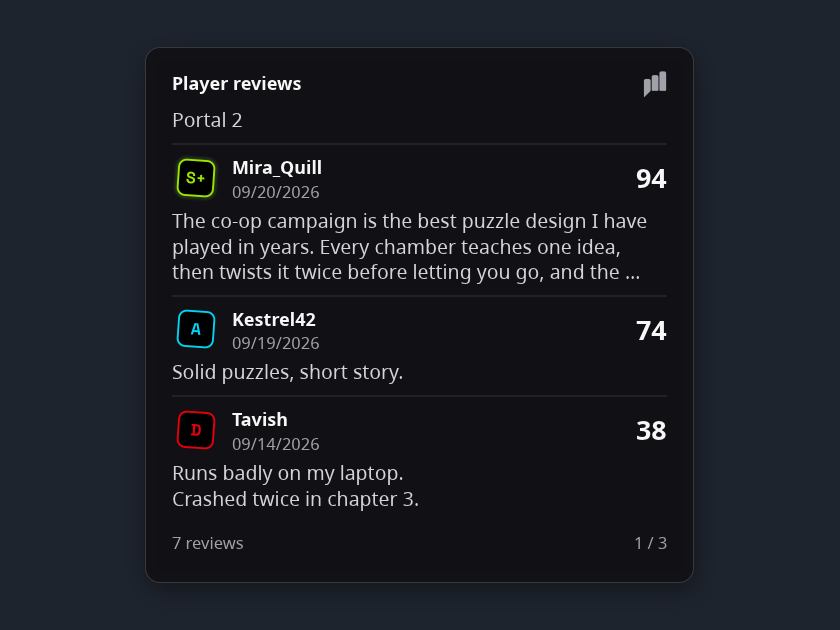
Player reviews
by PlayerVox
What PlayerVox players think of the game you play: three reviews per page with each player's grade and score, in your language when a translation exists. Limit them to the players you follow from the widget's menu. Needs your PlayerVox account.
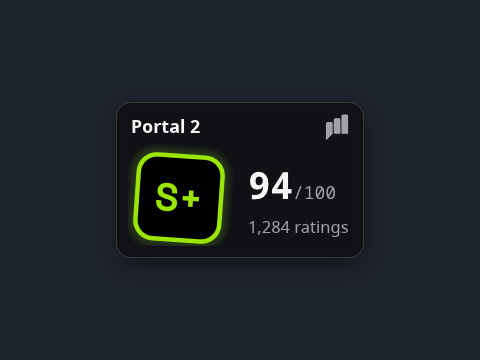
PlayerVox score
by PlayerVox
The PlayerVox community grade of your Steam game, with its score, rating count and three criteria. No account needed; the badge is always shown.
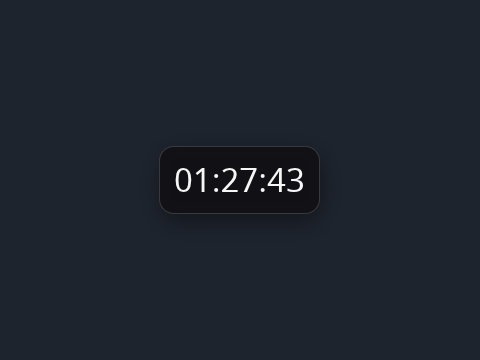
Session
by PlayerVox
Shows how long the current game session has lasted.
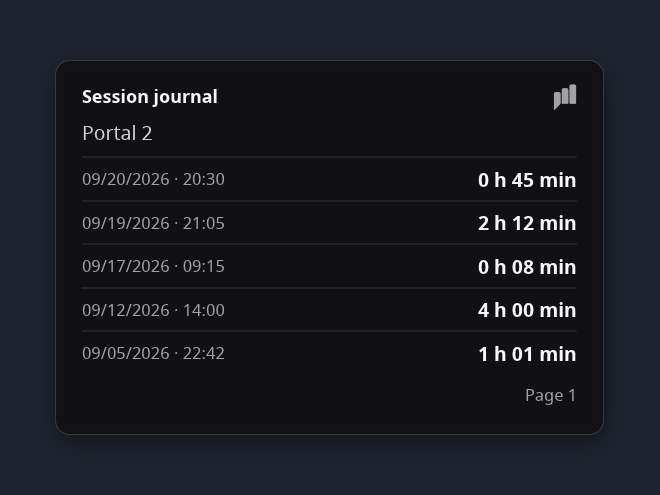
Session journal
by PlayerVox
The finished play sessions of your game, newest first: date, start time and duration, five per page. Recorded on your device without an account, merged with your PlayerVox journal when you sync. Delete a session after confirmation.
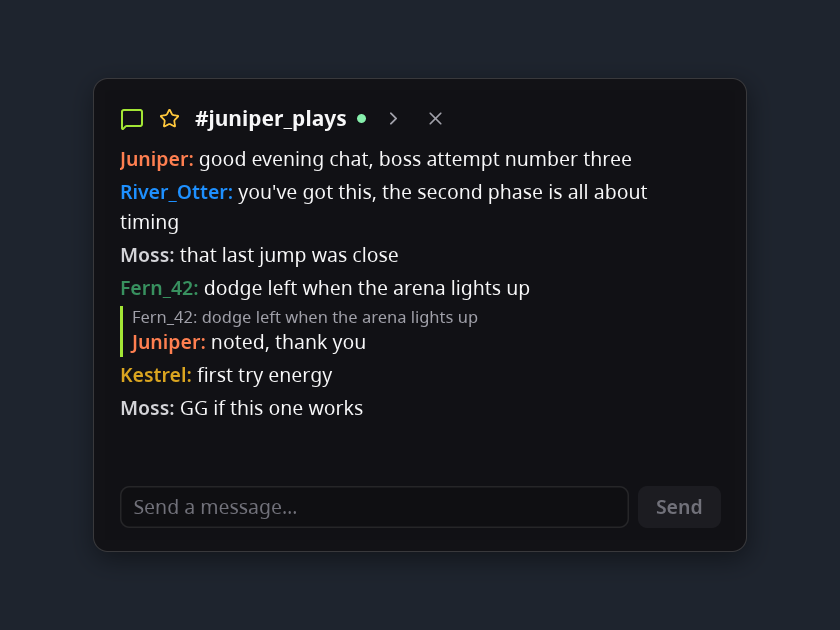
Twitch chat
by PlayerVox
Read and send messages in a public Twitch chat you choose: your favorite channels, the scrolling history with emotes and replies in Interactive mode, the last messages fading out in Passive mode. Needs your Twitch account.
More widgets
Installed when you choose, from the Control Center.