
Stay in the game.
Make it your own.
Your game info, your chat, your tools. Keep them within reach, right over your game. One app for Windows and Linux.
Public beta · Windows & LinuxIt starts in the Control Center.
A familiar desktop app to get everything ready before your next session.
Choose your games
Decide where PlayerVox OverCrow can appear. It stays inactive everywhere else.
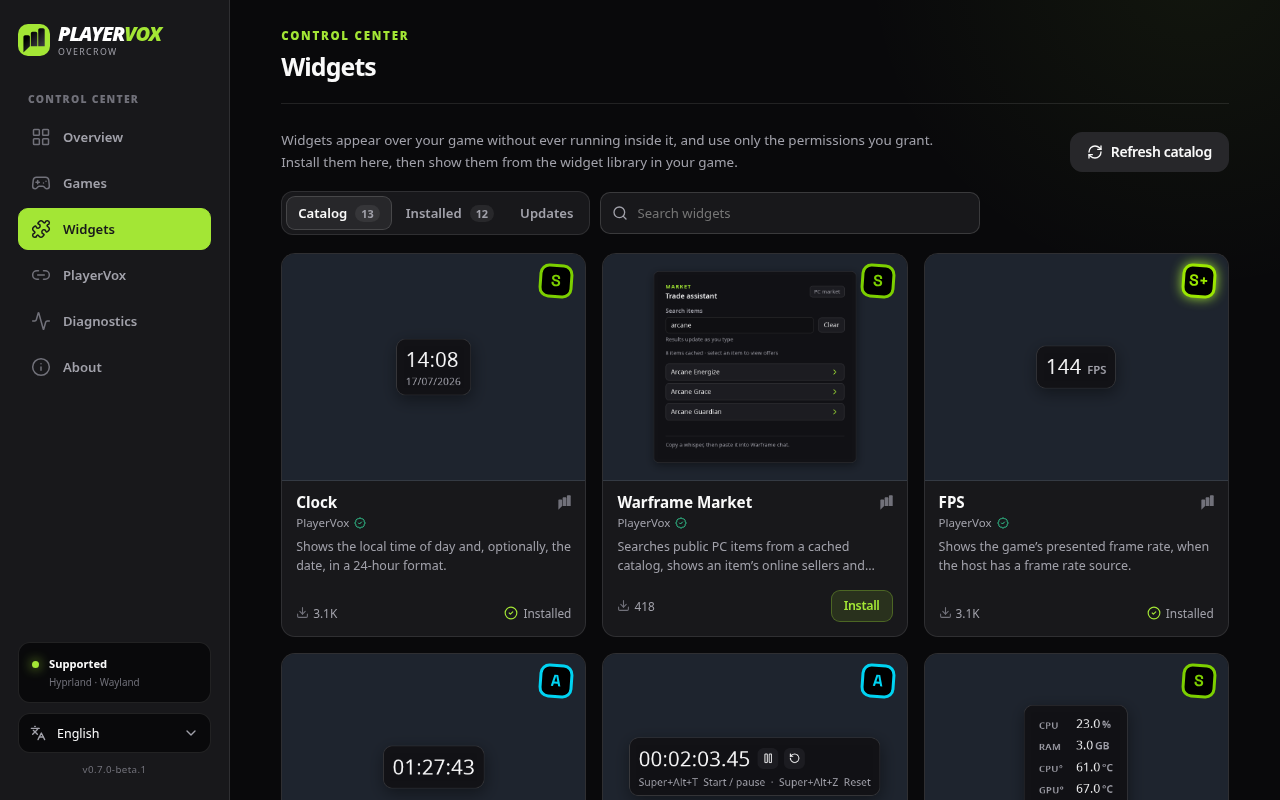
Manage your widgets
The Widgets tab installs widgets from the catalog, updates them and uninstalls them. PlayerVox built-ins update on their own; an update that asks for new permissions waits for your approval.
Then show them in your game
Open the overlay in a selected game, show or hide each widget from the widget library, then arrange them.
Try it. Make yourself at home.
FPS, performance, Twitch chat and PlayerVox scores: a few of the widgets already built into PlayerVox OverCrow. Move them around and switch modes to see how it feels.
Adjust your widgets. The eye chooses which ones stay visible while you play.

Find your next useful widget.
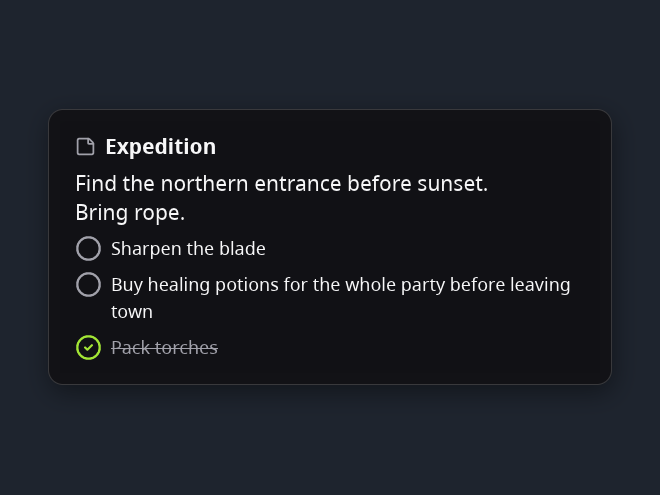
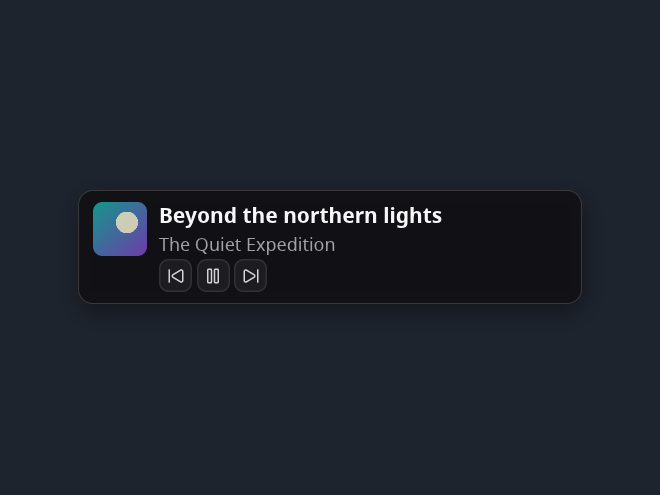
Twelve widgets come built into PlayerVox OverCrow, and the marketplace adds more for the games you play. See what each one does and what it may use.
Explore all widgets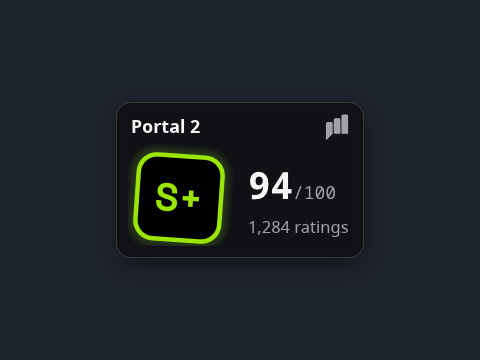
Ready for your next session?
Get PlayerVox OverCrow for Windows or Linux and make it your own.